Spryte
A downloadable tool for Windows
Spryte turns rigged 3D characters and animation clips into art-directed pixel-art spritesheets. Create polished character animations for your game without drawing every frame by hand.
More information on the official website
How it works:
Import a rigged Mixamo model and use Spryte’s animation library, or import a custom-rigged model with its own built-in animations. Customize the camera, lighting, materials, outlines, colors, weapons, and effects, then export the frames and directions you need as a spritesheet.
Turn a 3D model into pixel art
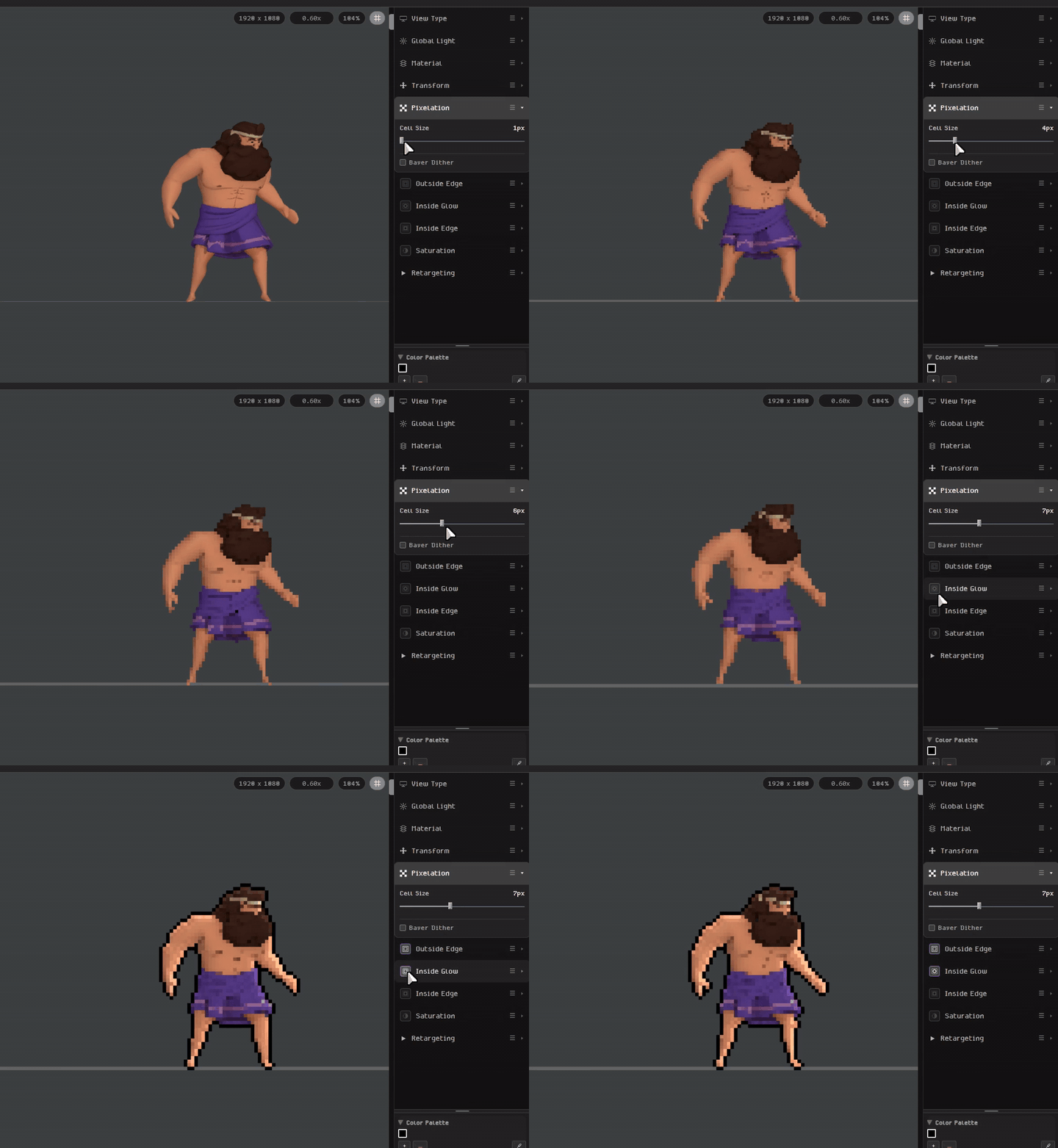
Start with a 3D rigged character (like from Mixamo), then adjust pixelation, outlines, and inside glow in Spryte’s sidebar to create your own pixel art style.
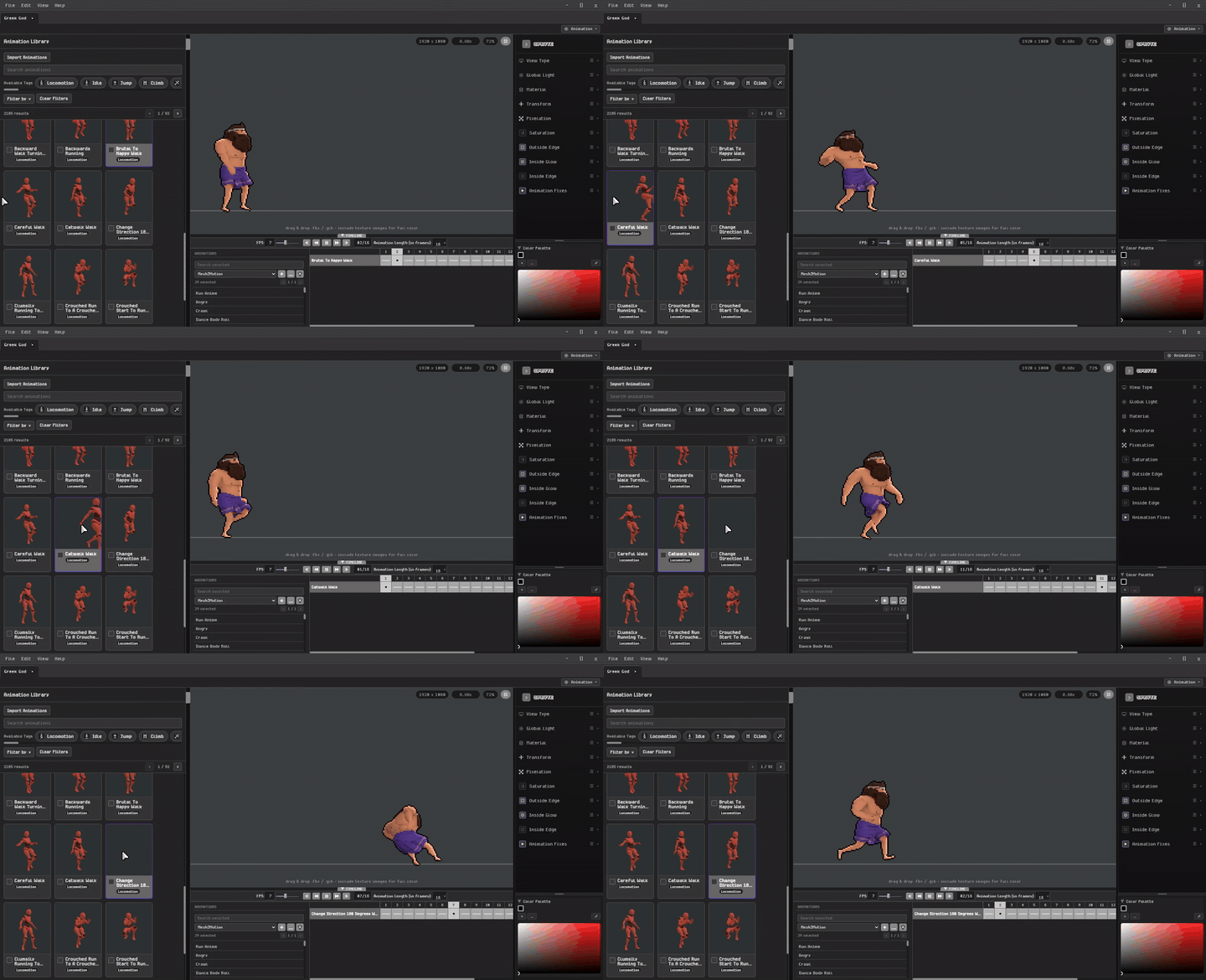
Animation Library
Choose from a wide library of ready-to-use animations, with a variety of options to suit different characters, styles, and projects.
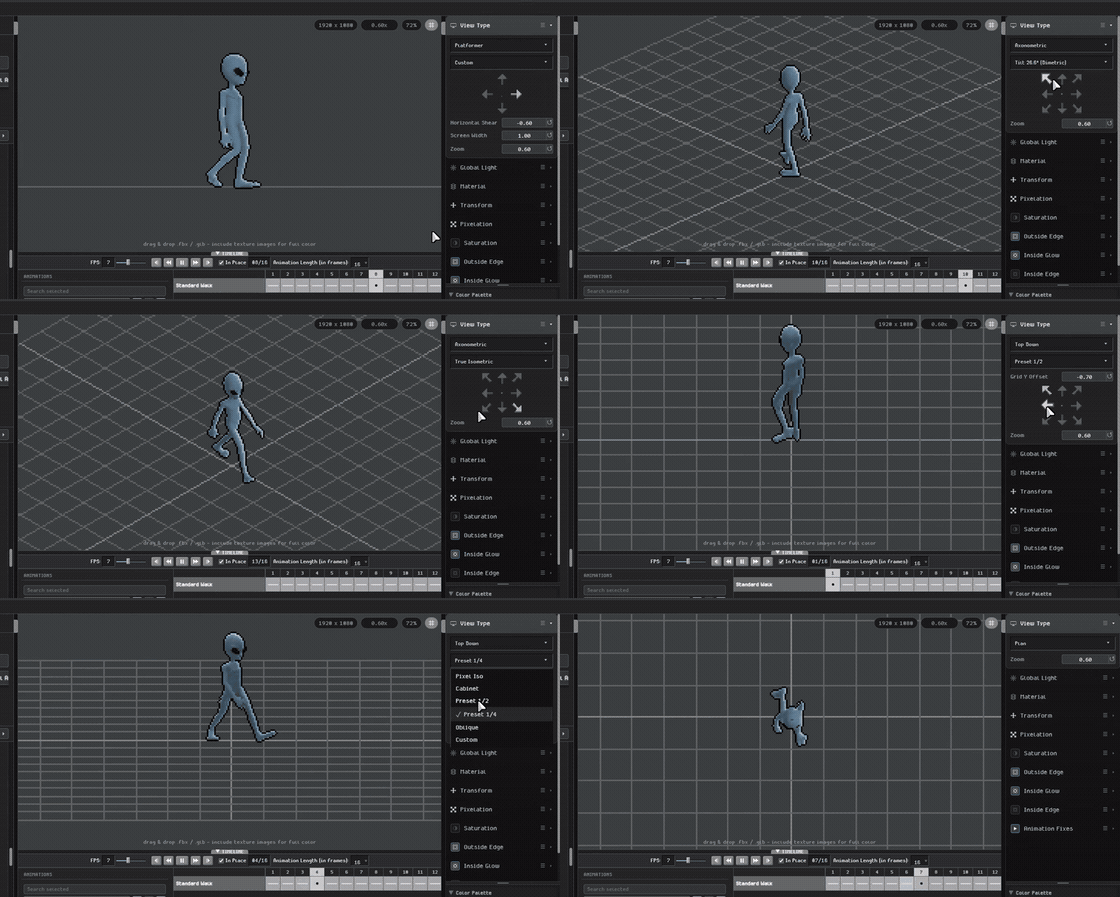
Game View Perspectives
Choose from Platformer, Isometric, Top Down, and many more view presets—or use custom controls to shape the camera and direction around your game.
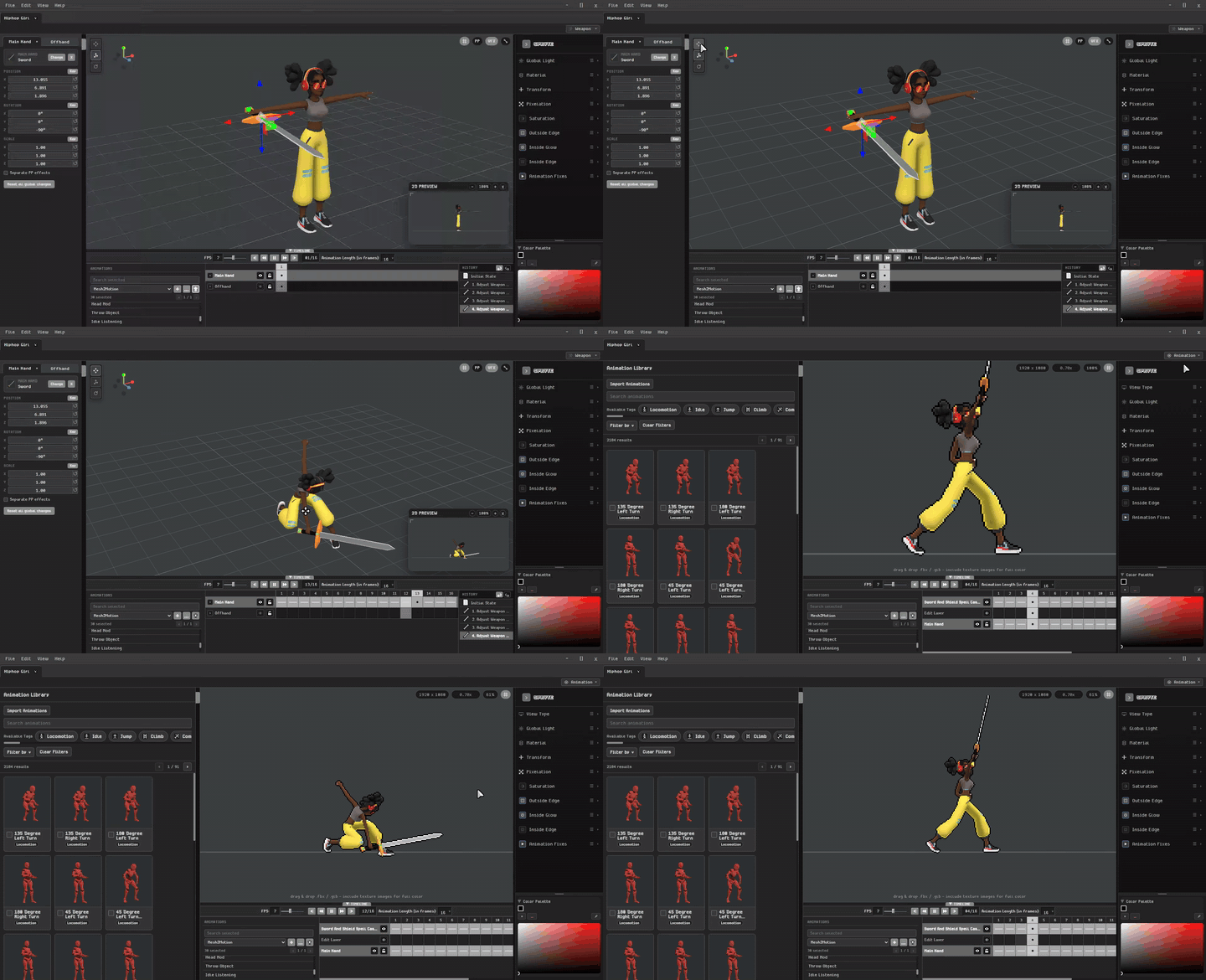
Add Weapons
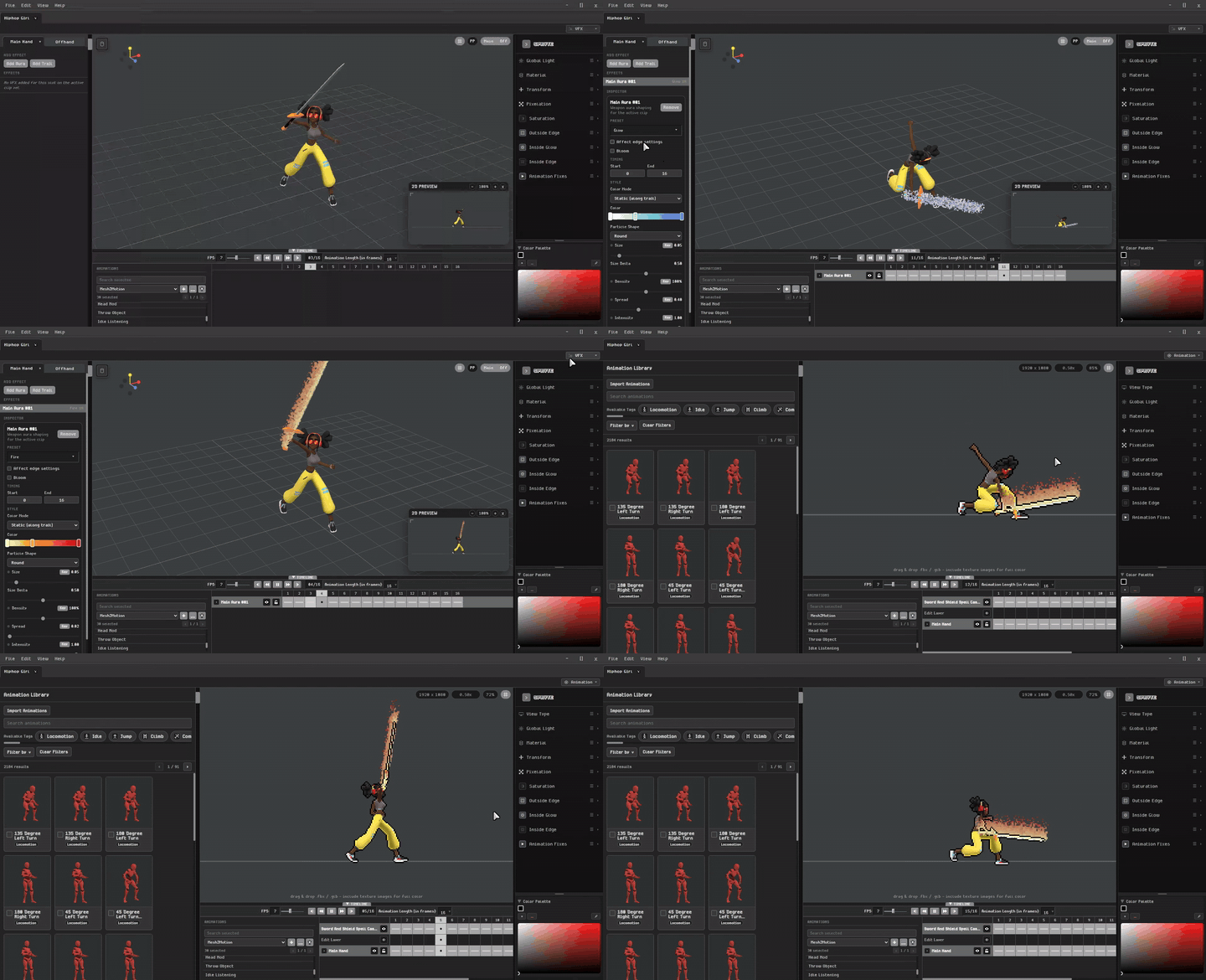
Equip your characters with weapons and include them directly in your sprite sheets.
Add VFX
Enhance your animations with visual effects for attacks, abilities, magic, and more.
Visit our community for more guides and updates!
Purchase
In order to download this tool you must purchase it at or above the minimum price of $19.99 USD. You will get access to the following files: